


Description
Download PDF to Word Converter APK – PDF to Word Converter, Document Scanner, Cloud Integration
Overview
The PDF to Word Converter APK is a free mobile application designed to simplify the process of converting PDF files into editable Word documents. Developed by Cometdocs.com Inc., the tool caters to both personal and professional users who frequently work with digital documents. In today’s fast-paced business environment, the ability to quickly edit and share documents is essential. While PDFs are widely used for their consistency and portability, they are not inherently editable, which creates a bottleneck in workflows requiring modifications. This app addresses that challenge by enabling users to convert PDFs into fully editable Word files directly from their Android devices.
Real-world use cases include professionals preparing reports, students revising academic papers, and business users managing contracts and proposals. The app supports both direct file uploads and integration with cloud storage services, allowing users to access documents from OneDrive, Dropbox, Google Drive, and Box. This flexibility enhances productivity by eliminating the need to transfer files across devices. The developer did not provide additional system requirements, and no specific performance benchmarks were listed. However, the app’s functionality is tailored for mobile environments, suggesting optimized performance for typical Android smartphones and tablets.
Key Features & Capabilities
- PDF to Word Conversion – Converts PDF files into editable Word documents while preserving original formatting, layout, and visual quality.
- Integrated Document Scanner – Allows users to scan physical documents and convert them into editable Word files, streamlining digitization workflows.
- OCR Technology – Uses advanced optical character recognition to ensure text accuracy and editability in converted files.
- Cloud Storage Integration – Supports direct import and export from major cloud platforms including Google Drive, Dropbox, OneDrive, and Box.
- Batch Processing – Enables conversion of multiple PDFs without file size or quantity limitations.
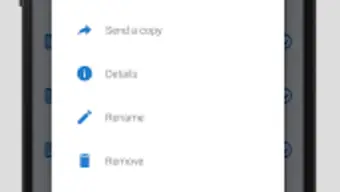
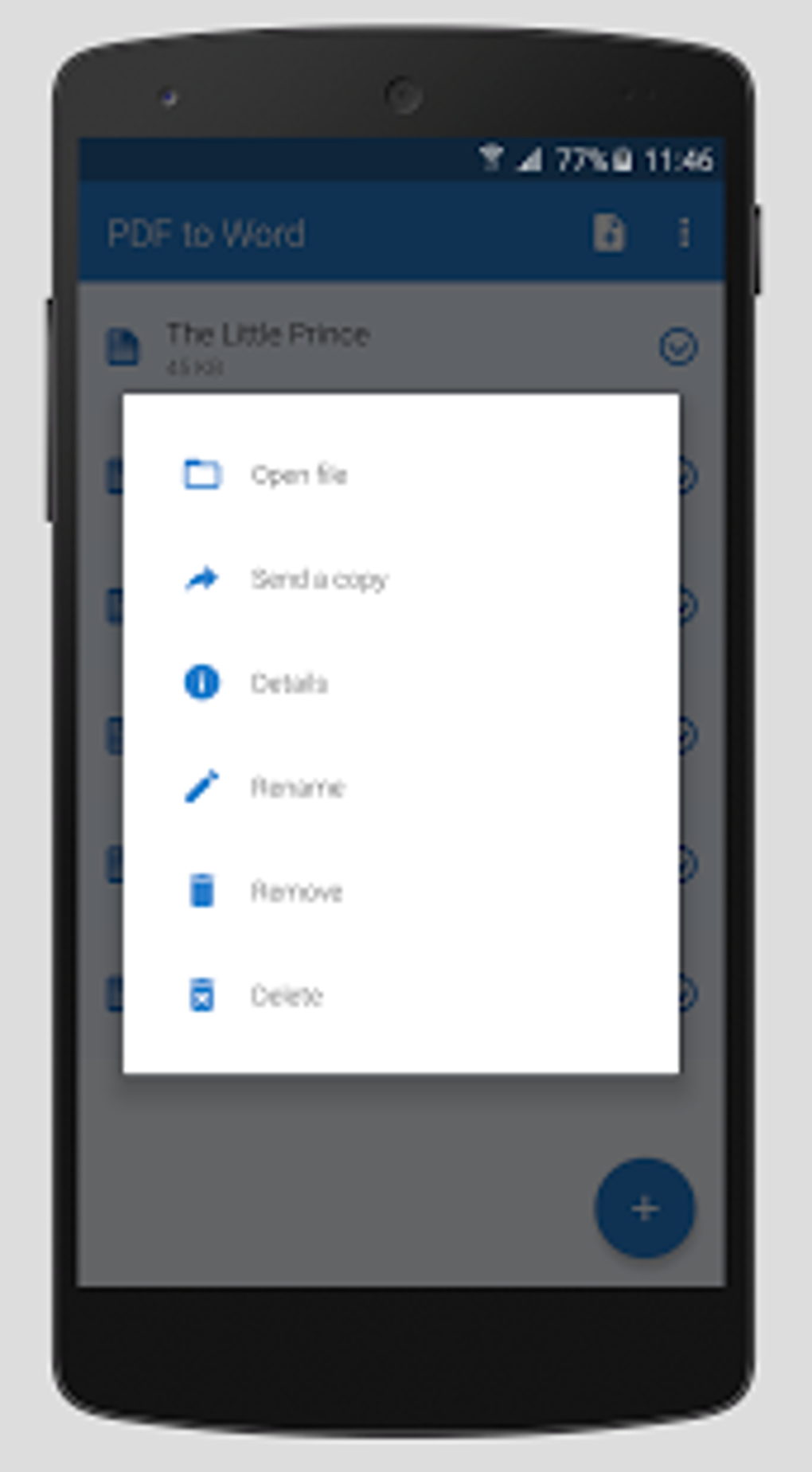
- Share and Rename Options – Converted files can be renamed, shared via messaging apps, or sent to other users immediately after conversion.
These features support a wide range of practical scenarios. For instance, a field agent can scan a signed contract using the app’s scanner, convert it to Word, make edits, and send it back for approval—all from a mobile device. Similarly, a researcher can import a PDF journal article from Google Drive, convert it into a Word document for annotation, and share it with collaborators. The app’s seamless workflow reduces time spent on manual re-entry and formatting, enhancing overall efficiency.
User Interface, Workflow & Performance
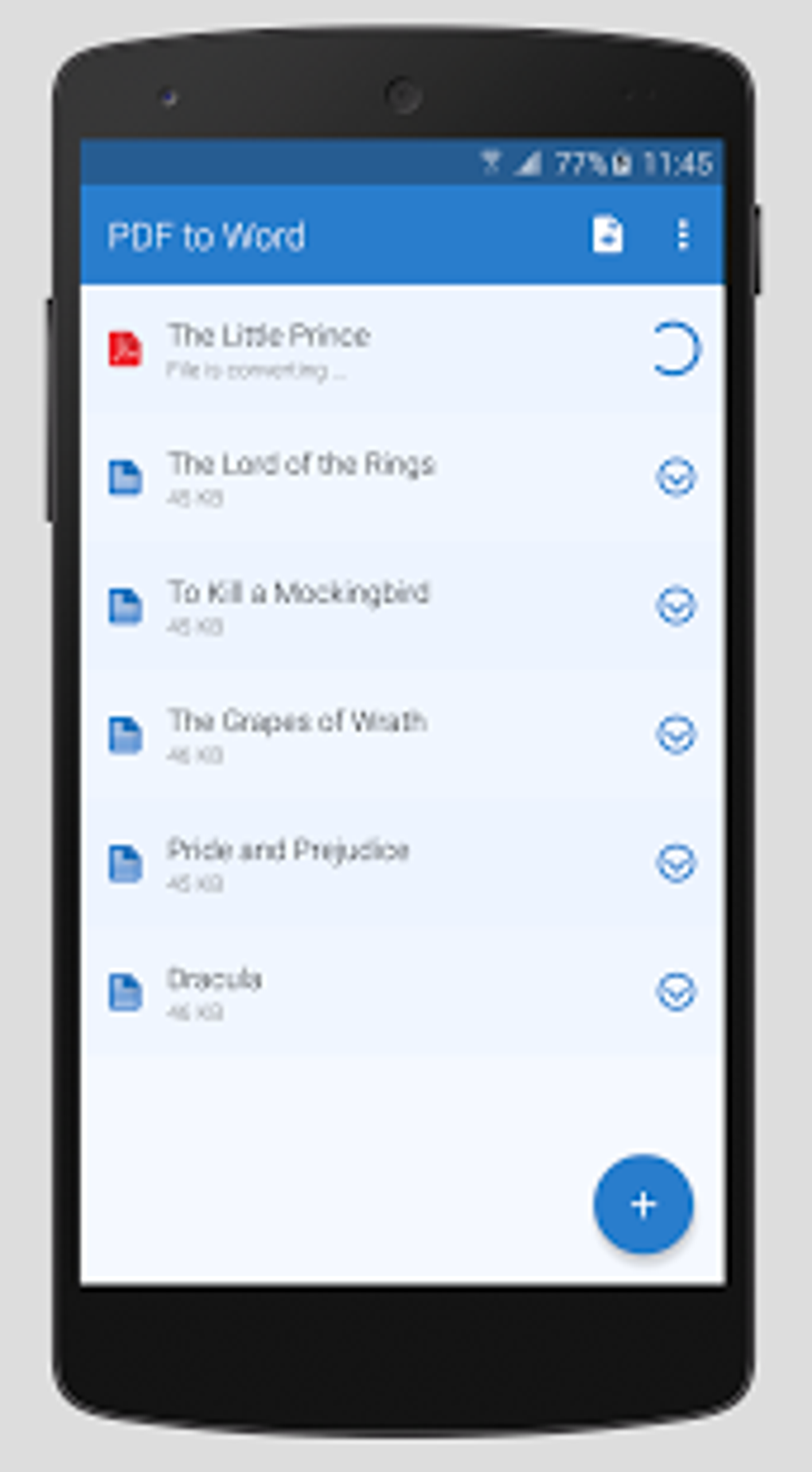
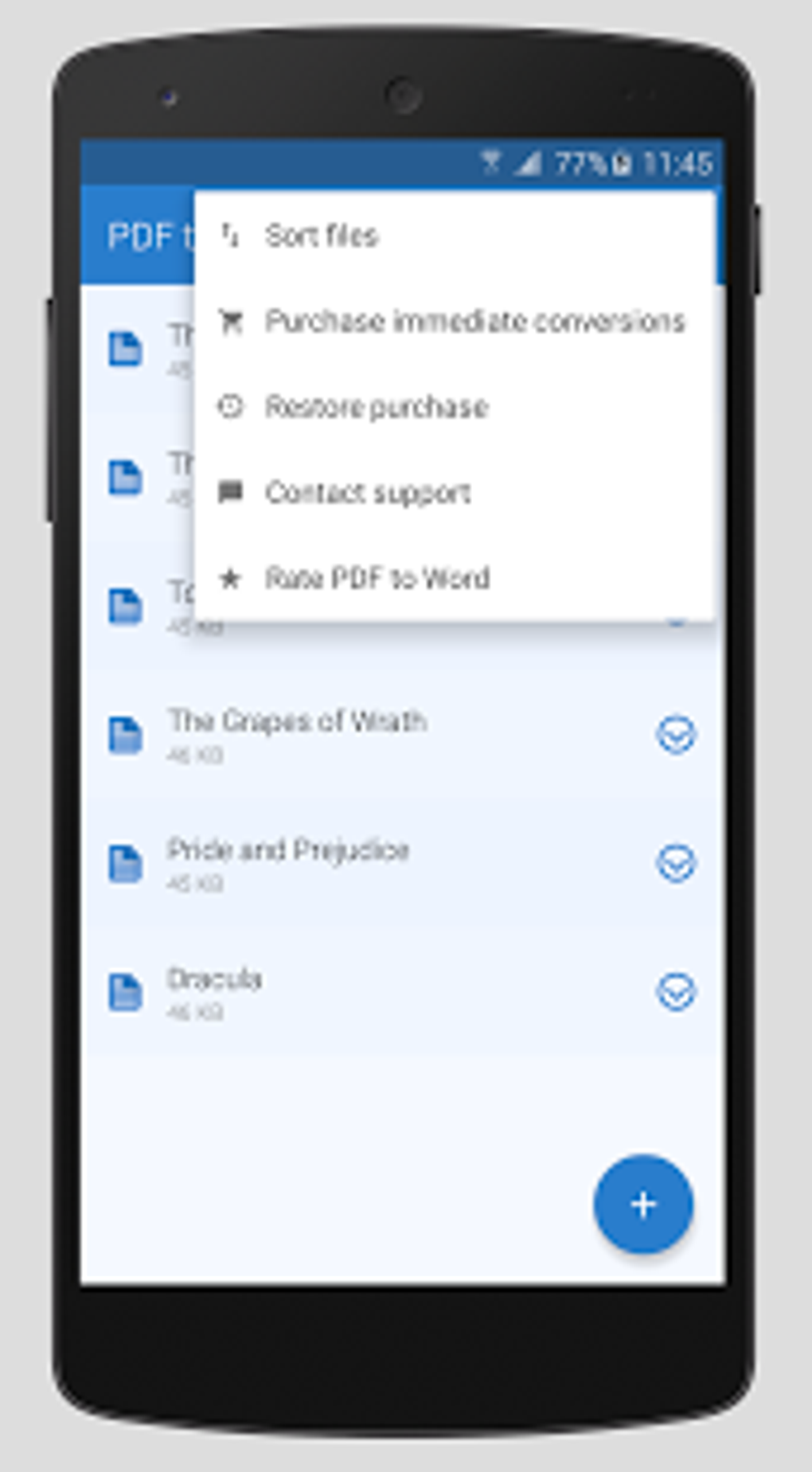
The application features a clean, intuitive interface designed for ease of use on mobile screens. Navigation is straightforward, with clearly labeled buttons for file selection, conversion initiation, and result management. Users can either upload a file from their device’s storage or access it directly from linked cloud accounts. The conversion process is initiated with a single tap, and progress is displayed in real time.
Workflow efficiency is enhanced by the app’s integration with the Android share menu, allowing users to convert PDFs from any viewer app by selecting “Share” and choosing the PDF to Word Converter. This eliminates the need to switch between multiple apps. The developer did not specify resource usage details, and no official performance metrics were provided. General software behavior patterns suggest stable operation under typical usage conditions. However, the free version may experience longer processing times, with conversions potentially taking up to an hour, as noted in the app’s documentation. This delay may affect time-sensitive tasks.
Compatibility & System Requirements
The software is available as an APK file for Android devices. The operating system compatibility is limited to Android, but specific version requirements were not listed. Installation size and hardware specifications were not disclosed. The developer did not provide detailed system requirements, so users are advised to ensure their device meets general Android app standards. Compatibility with newer Android versions is likely, but confirmation depends on the device’s configuration and software updates.
Users should note that the app is distributed as an APK, meaning it is not available through the Google Play Store in all regions or may require sideloading. This approach offers flexibility but may raise concerns about security for users unfamiliar with third-party installations. The app’s functionality is optimized for mobile environments, suggesting it performs best on devices with standard processing power and memory.
Pros and Cons
Pros
- Free to download and use with no upfront cost
- Preserves formatting and layout during conversion
- Includes built-in document scanning for physical documents
- Supports multiple cloud storage platforms
- Allows batch conversion without file size or quantity limits
- Intuitive interface suitable for non-technical users
Cons
- Free version may take up to an hour for conversion
- APK distribution requires sideloading, which may deter some users
- No official support for iOS or desktop platforms
- Performance and resource usage details were not specified
- Limited information on update frequency and long-term maintenance
FAQ Section
Is the PDF to Word Converter APK safe to download?
The app is developed by Cometdocs.com Inc., a known provider in document conversion tools. However, since it is distributed as an APK, users should ensure they download it from a trusted source to avoid potential security risks.
Can I use this app offline?
While the app supports offline file conversion, some features like cloud integration may require an internet connection. The exact offline capabilities were not specified.
Does the app support iOS devices?
Based on available information, the app is currently only available for Android devices. There is no official support for iOS platforms.
Are there any file size limits?
The developer states that there are no file size or quantity limitations for conversion, making it suitable for both small and large documents.
How often does the app receive updates?
Update frequency was not disclosed. Users should check the developer’s website or APK source for the latest version.
Final Thoughts + CTA
The PDF to Word Converter APK stands out as a practical solution for users needing to convert PDFs into editable Word documents on Android devices. Its combination of OCR technology, document scanning, and cloud integration offers a robust toolkit for professionals and individuals alike. While the free version’s longer processing time may be a drawback for urgent tasks, the option to upgrade for faster results provides flexibility. The app’s mobile-first design, intuitive interface, and lack of file restrictions make it a valuable tool in digital document management.
For anyone working with PDFs and needing quick, accurate conversions, this app delivers real utility. Download PDF to Word Converter now to streamline your workflow and enhance document accessibility on the go.
Guides & Tutorials for PDF to Word Converter APK
How to install PDF to Word Converter APK
- Click the Preview / Download button above.
- Once redirected, accept the terms and click Install.
- Wait for the PDF to Word Converter APK download to finish on your device.
How to use PDF to Word Converter APK
This software is primarily used for its core features described above. Open the app after installation to explore its capabilities.
User Reviews for PDF to Word Converter APK 0
No reviews found





